🛠️ How to complete cryptographic checks
Learn how to send a cryptographic check request to your client
As part of Companies House verification requirements, verification of directors and PSCs must include validating the cryptographic features of the identity document. This can be done in Firmcheck with our Cryptographic ID check feature.
Note that cryptographic checks can only be used to validate passports, both domestic and international. A full list of supported countries is available here.
How to Issue a Cryptographic Check
Collect Passport Details
Either issue an Advanced ID Check to your client, or
Upload their passport under Proof of Identity.
This step captures the key passport fields required: passport number, full name, and date of birth.
Request the Check
Click Cryptographic ID Check.
Enter the client’s email address.
Client Email Instructions
The client will receive an email with instructions to download the Firmcheck app.
The check must be completed on their mobile phone.
If they open the email on a desktop, they should forward the email to their phone - the link will still work.
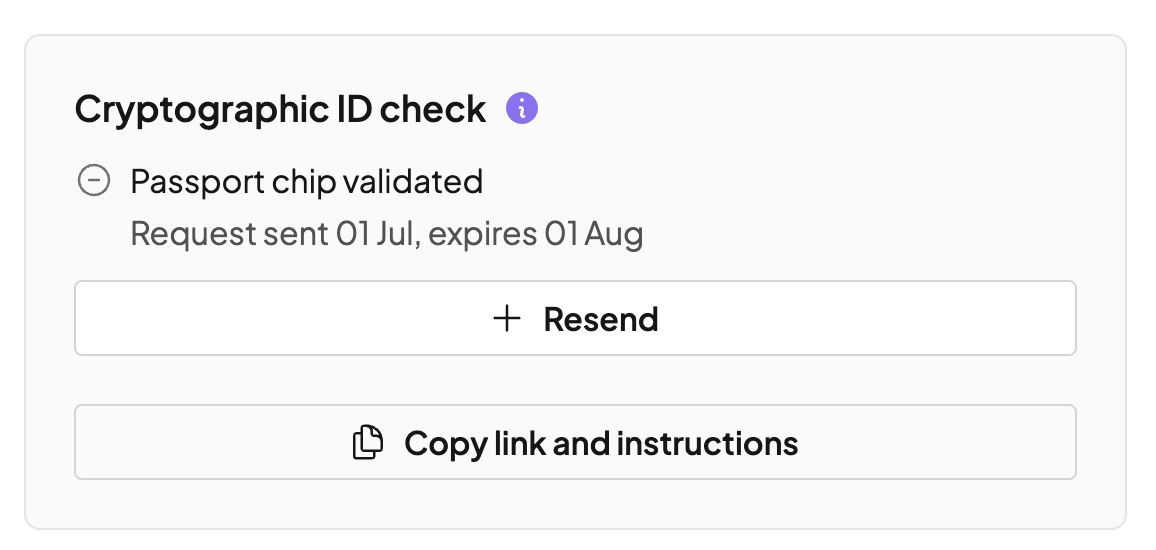
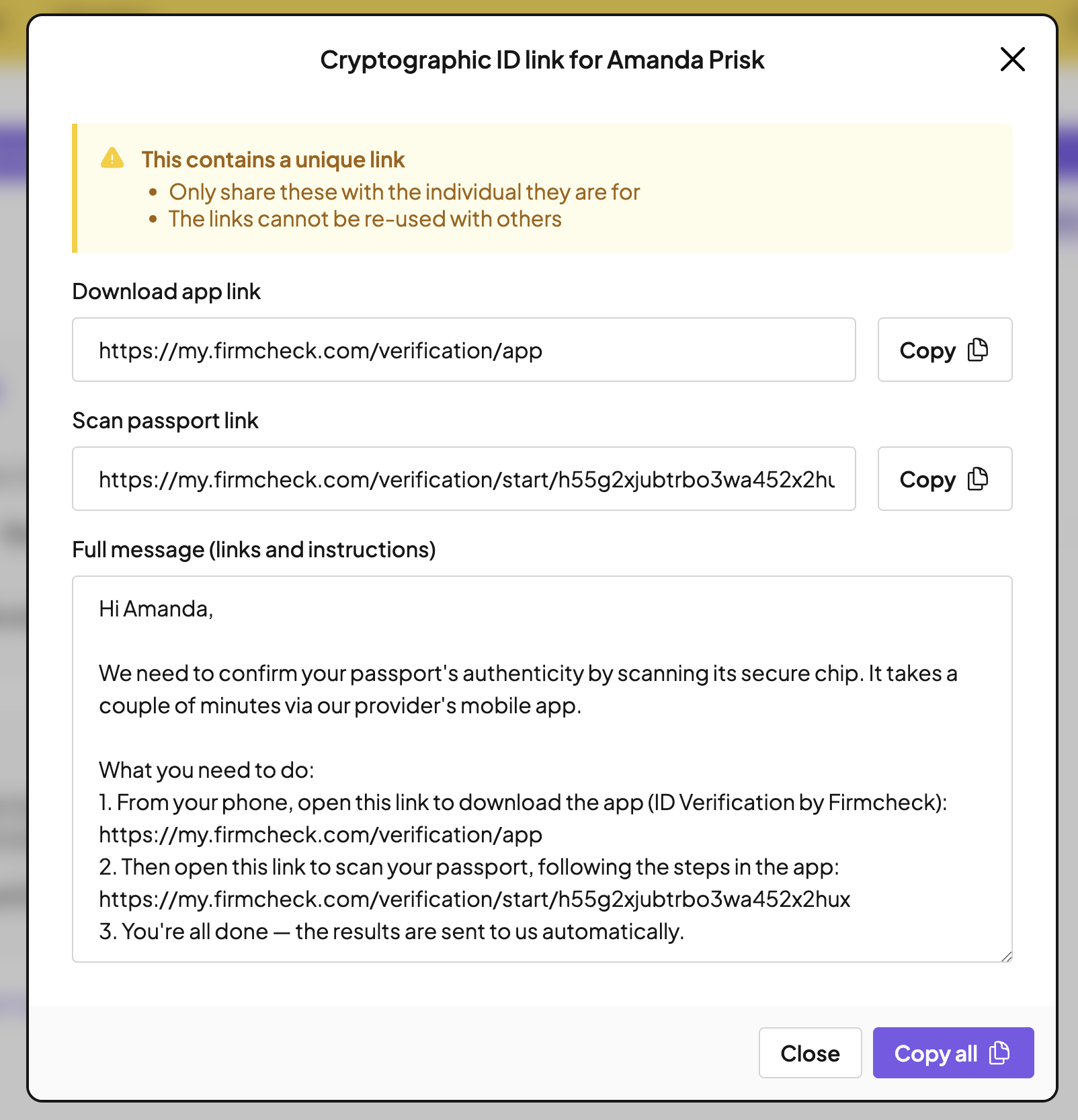
If you’re unable to send the request from Firmcheck (e.g. due to an email bounce), or if you’d prefer to send it via another method, such as WhatsApp, you can copy the links and the instructions from Firmcheck and paste them into a new email in your mail client, WhatsApp chat, etc. Please see how to do this below:
Completing the Check
In the app, the client follows on-screen prompts.
Before scanning, the app will ask "Is your ID a valid document?" This is just a self-confirmation question, not a check result — the client should select "Yes" if they have a genuine, unexpired passport, even if it's brand new or was only just renewed.
They will be asked to hold their passport against the back of their phone so the chip can be read.
The app will guide them if adjustments are needed.
Note that phone covers and any passport case should be removed before performing the scan, and the chip may be located in the front cover, back cover, or photo page.
Result
Once the process is complete, the result will be returned to Firmcheck as a green tick, confirming the passport has been successfully verified.
Cryptographic checks are included on compliance plan subscriptions, and are £4 per check on ID check plans.